
If you’ve seen the trending Dhurandhar walk scene edits circulating on Instagram and YouTube Shorts, you probably wondered: “Can I remake this exact style with my own face?”
The answer is YES, and you can do it completely FREE using AI tools like Google Gemini and Google Flow AI.
This guide will show you how to recreate the viral Dhurandhar / Rehman Dakait style entry video using only free AI tools. You will turn your normal photo into 9 cinematic frames with Google Gemini and then animate them into a vertical video using Google Flow AI, and finally edit everything in a mobile video editor.
What You Will Need
- A clear photo of your face
- The 9 reference scene images
- Google Gemini & Google Flow Ai
- CapCut or any video editor tool
- The Dhurandhar “FA9LA” audio
Dhurandhar Prompt
Before you generate anything, download the 9 Dhurandhar movie scene images provided in your tutorial/video.
Step 1: Download All 9 Reference Images
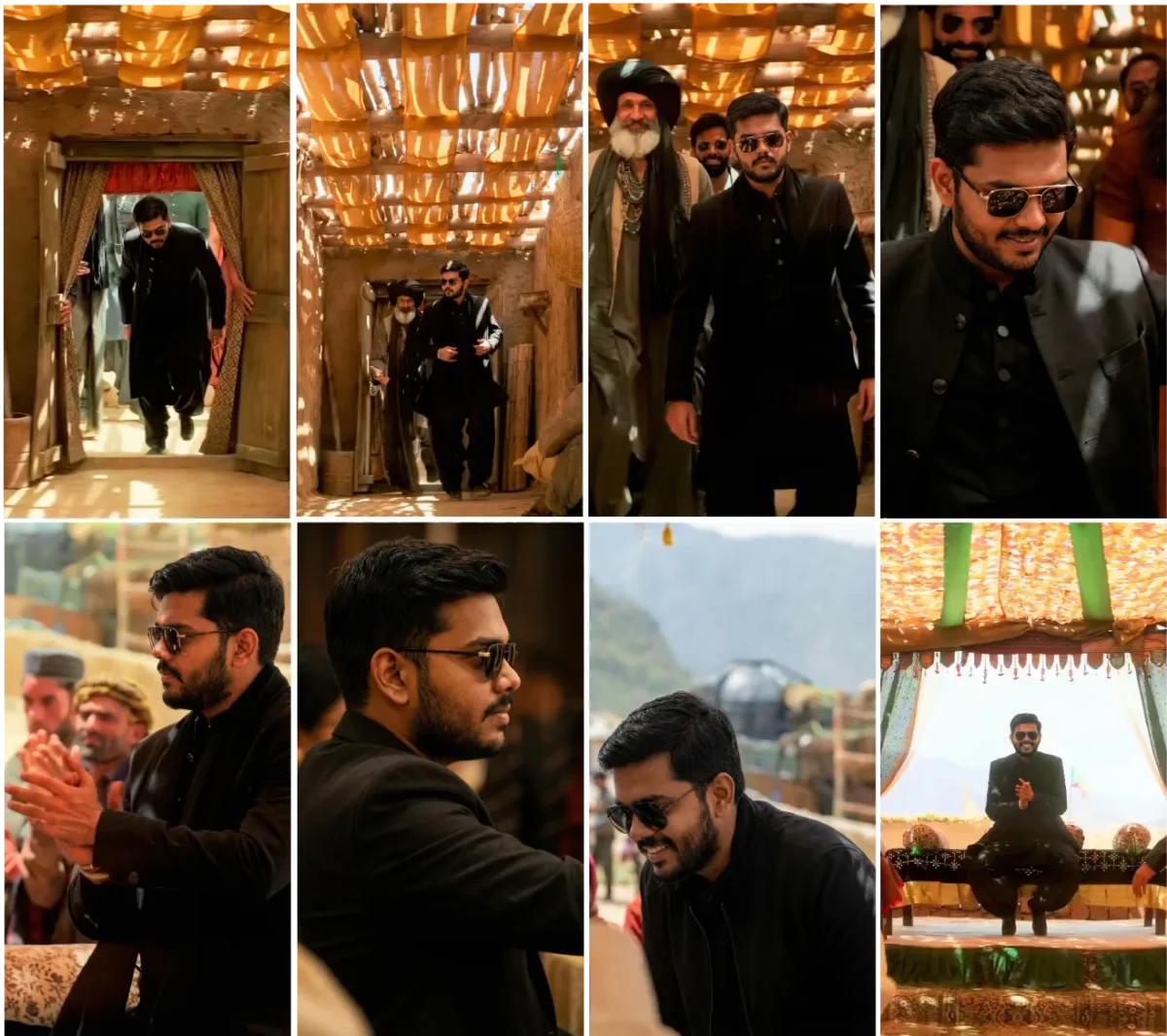
- Tap here to download the “Reference Frames” images.
- Download all 9 images (IMG 1 to IMG 9) to your device in order.
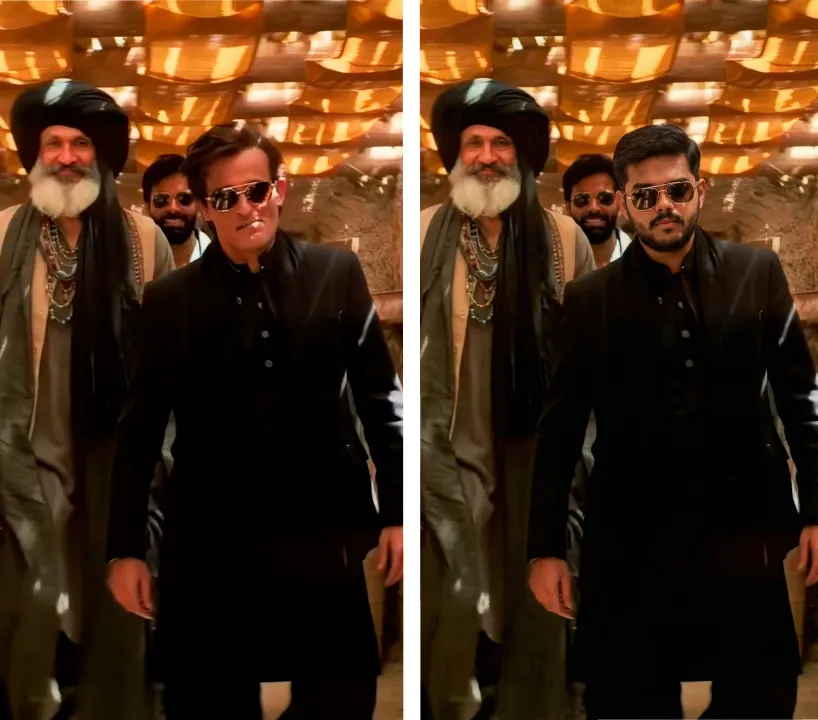
Step 2: Generate Your 9 Dhurandhar‑Style Images In Gemini
You will now use Google Gemini’s Nano Banana Pro image feature to recreate each of the 9 frames with your own face.
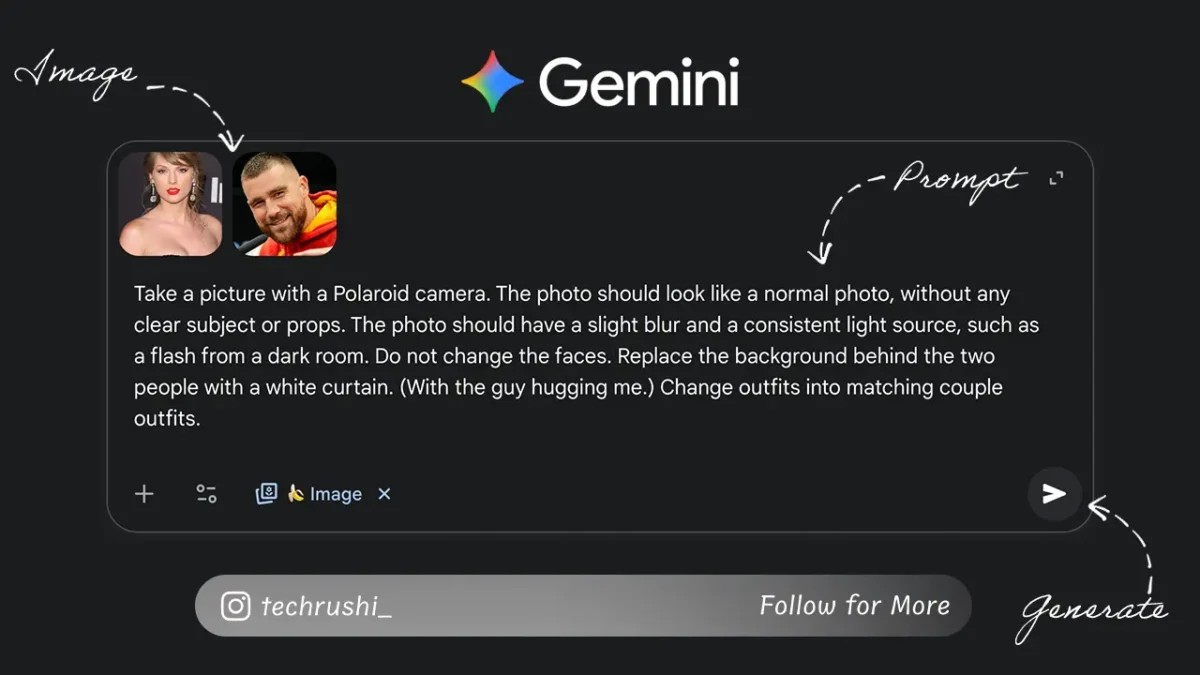
Base Image Prompt (Same For All 9)
- Open Google Gemini in your browser or app.
- Make sure the mode is set to create images (Nano Banana Pro).
- Start a new chat.
- Use the same image prompt for every frame, so that the style and outfit stay consistent
Prompt: Make first image style into other second image person, make 8K, high resolution, sharp, cinematic, 100% same cloths and pose, no blur.
Upload Order For Each Frame
For every frame (IMG 1 to IMG 9), follow this exact order:
- Upload the scene reference image
- Upload your own clear photo
- Paste the IMG Prompt.
- Click Generate & Download
Step 3: Animate Frames Using Google Flow AI
Now we animate each frame-to-frame transition. Go to Google Flow AI > Create a New Project > In the mode selector, choose Frames to Video > Set the aspect ratio to 9:16 (vertical) for Reels/Shorts. Upload First Image in Frame 1, and Upload Second Image in Frame 2 > Generate > Download. Follow for all other image.
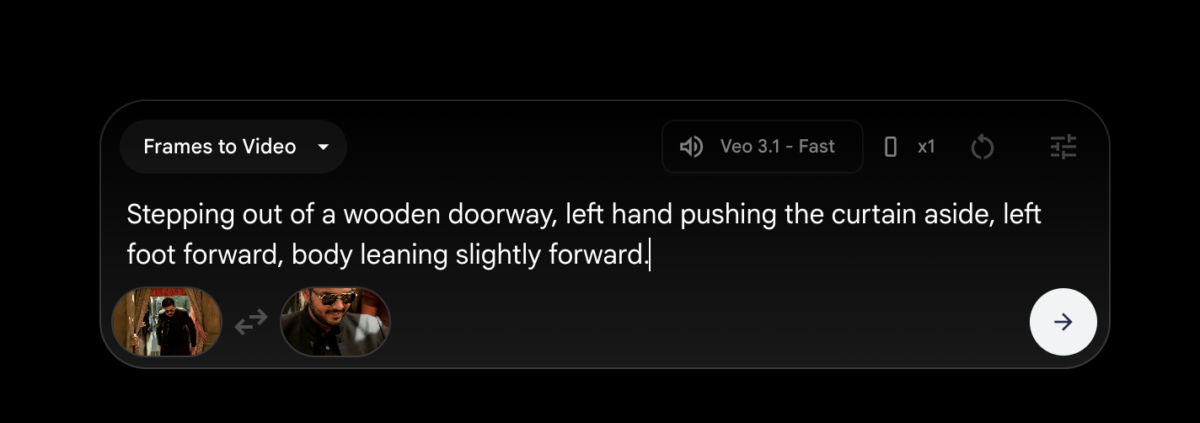
IMG 1-2 Prompt: Stepping out of a wooden doorway, left hand pushing the curtain aside, left foot forward, body leaning slightly forward.
IMG 2‑3 Prompt: slow motion, don’t change face
IMG 3‑4 Prompt: very slow motion, Small arm swing, right arm slightly pulled back, head straight, expression serious.
IMG 4‑5 Prompt: very slow motion, dance style
IMG 5‑6 Prompt: No cuts. No transitions. No subtitles. No captions. The video opens with a slow-motion, cinematic wide shot of a man dressed in a sleek black outfit and sunglasses, smiling broadly and standing with his arms extended in a warmly lit space under a bamboo canopy that casts dynamic shadows on the rustic walls. The atmosphere is vibrant and lively with silent echoes of movement from the figures behind him. The camera slowly dollies forward with delicate parallax, gracefully closing the distance, rolling gently to focus on his profile. As the shot tightens, the lighting softens to emphasize the texture of his hair, skin, and the fabric of his black jacket. Shadows play subtly on his face, maintaining the atmospheric warmth while the background melts smoothly into a cinematic bokeh. The emotional tone deepens, highlighting a moment of quiet confidence and introspection. The continuous, flowing camera movement immerses the viewer from a joyous, communal setting into a deeply personal, last close-up that captures the essence of the character’s journey. Ambient sounds of distant chatter and warm echoes of an outdoor location accompany a subtle instrumental score that underscores the slow, graceful pacing and emotional weight of the scene.
IMG 6‑7 Prompt: No cuts. No transitions. No subtitles. No captions. The video opens with an intimate close-up side profile of a man in his twenties, clad in a sleek black jacket and sporting stylish sunglasses, seated quietly in a warmly lit, softly shadowed indoor environment. The camera holds steady, capturing the fine details of his contemplative expression and textured hairstyle as ambient light gently highlights the contours of his face. Gradually, the camera begins a slow, deliberate arc from behind, circling his head and shoulders with measured grace to reveal a wider view. As it moves, the lighting subtly brightens, introducing natural, golden hues that hint at an exterior setting beyond the frame’s initial warmth. The rich textures of his black attire remain visually consistent, and his reflection glints softly on the lenses of his sunglasses. Continuing its smooth sweep, the camera gently pulls back and shifts angle to present the man’s hands as they slowly and purposefully come into frame, the motion of his clapping captured in detailed slow motion. Behind him, softly blurred figures of other men in traditional turbans add depth and cultural context to the scene, their muted applause harmonizing with his rhythm. The environment suggests an outdoor gathering on a sun-dappled afternoon, with natural light filtering evenly across the frame, casting soft, realistic shadows and enhancing the warm color palette. Throughout, the slow-motion effect heightens the emotional weight and intimacy of the moment, maintaining a continuous, fluid camera movement that unites the initial contemplative mood with the communal spirit of the concluding frame.
IMG 7‑8 Prompt: make a slow motion clap dance
IMG 8‑9 Prompt: make a slow motion, sit and clap
Step 4: Combine All 8 Clips in Video Editor
Now you just need to join the 8 clips and add music.
- Open CapCut, VN Editor, or your favourite mobile editor.
- Create a New Project with a 9:16 vertical canvas.
- Import your 8 clips in the correct order
- Add Dhurandhar “FA9LA” Song And Export
Useful Hastag for Instagram reels: #Dhurandhar #FA9LA #AIReels #AIWalk #AICinematic #AIVideo #Gemini #GoogleFlowAI
Now you have a complete, step‑by‑step system to turn your normal photo into a cinematic Dhurandhar‑style entry video using only free AI tools. With just one selfie, 9 reference frames, and a few smart prompts, you can create a reel that looks like a movie shot on a big‑budget set.
I love seeing your recreations. Post your video on Instagram and tag me so I can share your work: https://instagram.com/techrushi_
